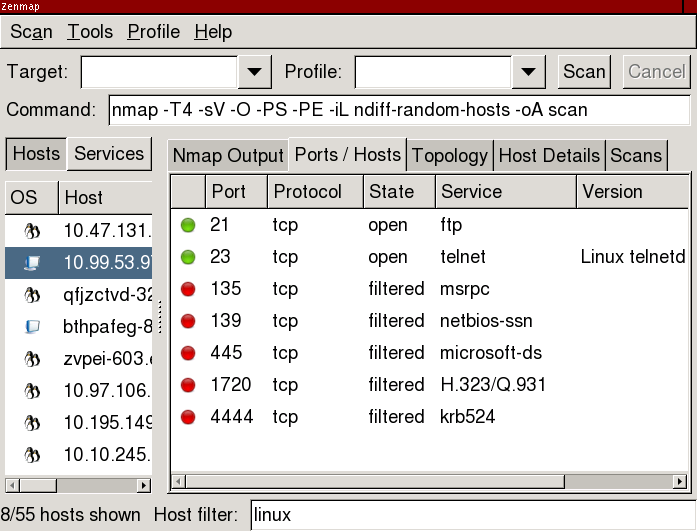
ZenmapHostFiltering
This is how I envisioned host filtering in Zenmap. It draws inspiration from Firefox, because the search box is part of the main interface, not a separate window, and it is visible as long as the filtering is active; and from Mutt, because the main interface is unchanged, only the data shown in it is limited.
This is what the window might look like after running a scan.
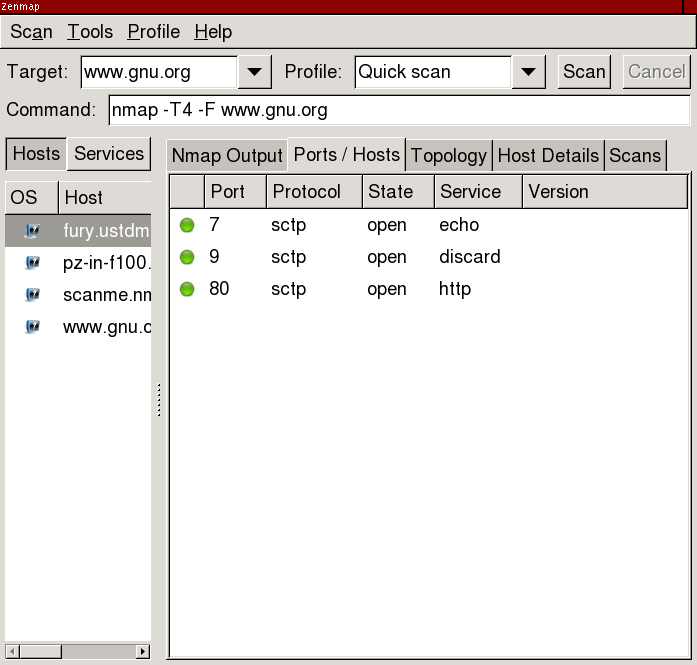
After activating the host filter, only those hosts matching the search criteria are displayed. The filter will support the same syntax as Zenmap's search window. (The fury.ustdmz.roe.ch host is matched because that's scanme.csnc.ch.) Closing the filter bar removes all filtering and shows all hosts.
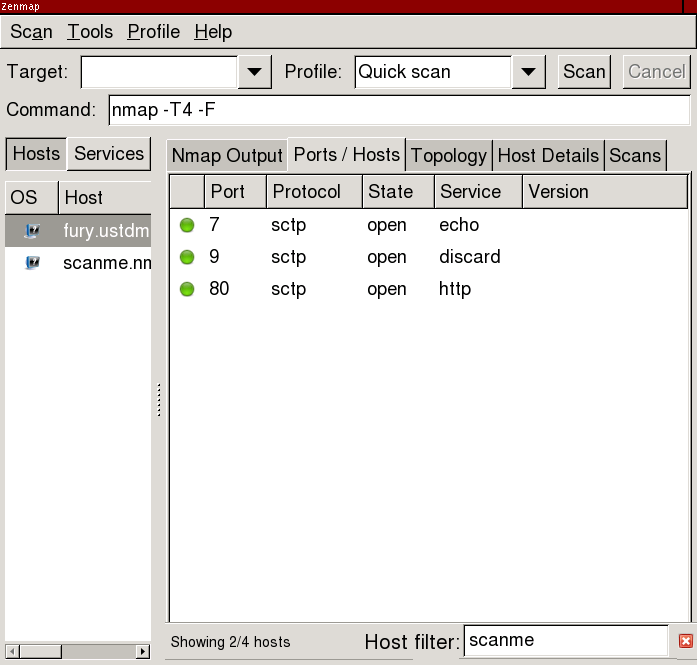
The filter could be activated with a menu item, or with a keypress such as /. That woudl be consistent with Firefox and various terminal utilities.
zenmap-filter branch, r14251
svn co --username guest --password "" svn://svn.insecure.org/nmap-exp/josh/zenmap-filter
Press ctrl+L to get the filter box. This screenshot shows ndiff/test-scans/random-1.xml being filtered on "linux".