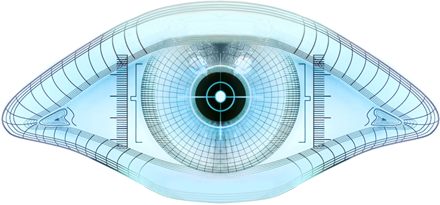
Here's how I made Windows icons of the Nmap logo with GIMP.
Link: Creating Windows XP icons from MSDN. Reference for the sizes and bit depths.
- Load the XCF.
- Fix the transparency because there are stray transparent pixels in the interior of the eye. Create an alpha mask of the transparent layer, who alpha mask, magic wand select the black exterior, invert selection, bucket fill white, copy layer mask, flatten image, create layer mask, paste layer mask, apply layer mask.
- Change canvas size to square 440×440, centering eye.
- Duplicate layer, resize duplicate to 48×48, name it "48x48 24 bpp".
- Duplicate layer, resize duplicate to 32×32, name it "32x32 24 bpp".
- Duplicate layer, resize duplicate to 16×16, name it "16x16 24 bpp".
- Delete the original layer.
- Fit canvas to layers.
- For each of the three sizes:
- Duplicate it twice, giving the new layers names with "8 bpp" and "4 bpp".
- Threshold alpha to 250 on both of the new duplicates.
- Save as ICO, matching bit depths to the layers. Save the "24 bpp"s as 32 bpp.